NiceBlog
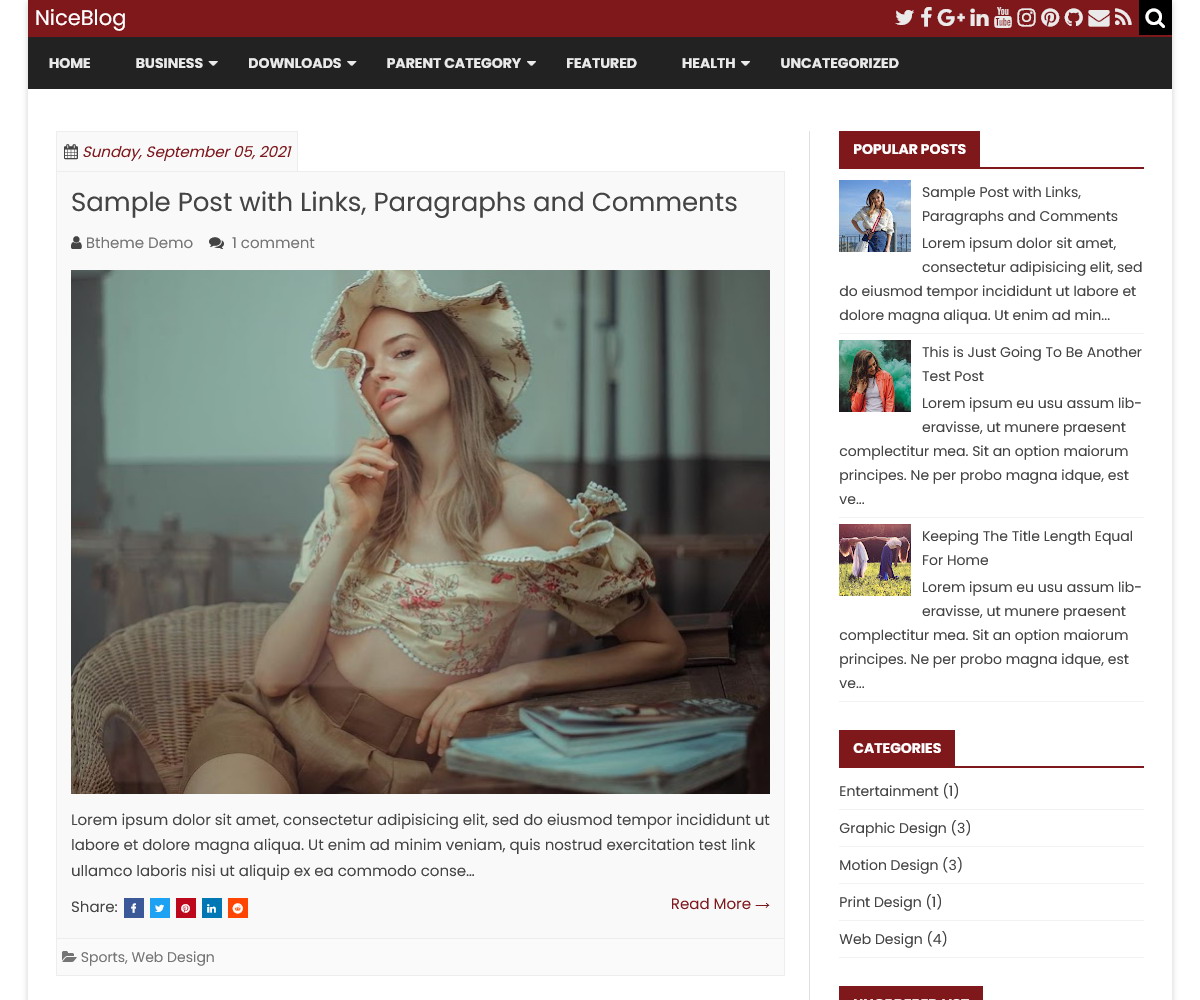
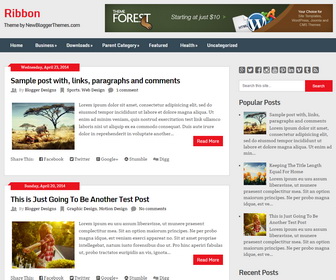
NiceBlog is Simple, Responsive Blogger Template for Writers or Travel Blogs. NiceBlog Blogger Template has Top Navigation Menu, Right Sidebar, Related Posts with Thumbnails, Breadcrumb, Social and Share Buttons, Clean Post Summaries, Scroll to Top Button and More Features.
Template Features : 2 Columns, No Footer, Responsive, Right Sidebar, Header Menu, HTML5, CSS3, Magazine, Mobile Friendly, Related Posts, Share Buttons, Social Buttons, Top Navigation Menus, Auto Read More
How to Configure NiceBlog Blogger Template
How To Setup Navigation Menu
Find this in "Edit HTML":
<li><a expr:href='data:blog.homepageUrl'>Home</a></li>

<li class='menu-item-has-children'><a href='#'>Business</a>
<ul class='sub-menu'>
<li><a href='#'>Internet</a></li>
<li><a href='#'>Market</a></li>
<li><a href='#'>Stock</a></li>
</ul>
</li>

...

<li><a href='#'>Uncategorized</a></li>
Replace "#" marks with real URLs and change anchor texts as you like.
Note: You will find above code twice. Do changes for both codes.
How To Configure Social Buttons
Find this in "Edit HTML":
<a href='https://twitter.com/' rel='nofollow' target='_blank' title='Twitter'><i class='fa fa-twitter'/></a> <a href='https://www.facebook.com/' rel='nofollow' target='_blank' title='Facebook'><i class='fa fa-facebook'/></a> <a href='https://plus.google.com/' rel='nofollow' target='_blank' title='GooglePlus'><i class='fa fa-google-plus'/></a> <a href='https://www.linkedin.com/' rel='nofollow' target='_blank' title='Linkedin'><i class='fa fa-linkedin'/></a> <a href='https://www.youtube.com/' rel='nofollow' target='_blank' title='Youtube'><i class='fa fa-youtube'/></a> <a href='https://www.instagram.com/' rel='nofollow' target='_blank' title='Instagram'><i class='fa fa-instagram'/></a> <a href='https://www.pinterest.com/' rel='nofollow' target='_blank' title='Pinterest'><i class='fa fa-pinterest'/></a> <a href='https://github.com/' rel='nofollow' target='_blank' title='Github'><i class='fa fa-github'/></a> <a href='mailto:123@abc.com' rel='nofollow' target='_blank' title='Contact'><i class='fa fa-envelope'/></a> <a expr:href='data:blog.homepageUrl + "feeds/posts/default"' target='_blank' title='RSS'><i class='fa fa-rss'/></a>
Add your own social links replacing default social profile URLs.
Note: You will find above code twice. Do changes for both codes.
Ready to install?
Back up your current Blogger template first, then follow this template’s own setup notes.
Installation guide → Ask a question →Find your next design
A template that fits your blog.
Choose your style, layout and features to explore the collection.
Keep exploring