News Story
Free

Design preview · Blogger
Enlarge screenshot ↗
(opens preview)
The template details
Features & setup
Template type : 1 Sidebar, 2 Column, Adapted from WordPress, Featured Section, Fixed width, Grey, Header Banner, Magazine, Right Sidebar, Slider, Top Navigation Bar, White
Ready to install?
Back up your current Blogger template first, then follow this template’s own setup notes.
Installation guide → Ask a question →Find your next design
A template that fits your blog.
Choose your style, layout and features to explore the collection.
Keep exploring
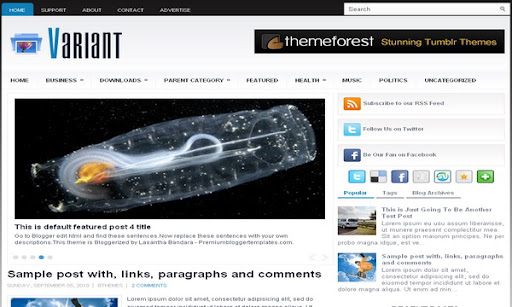
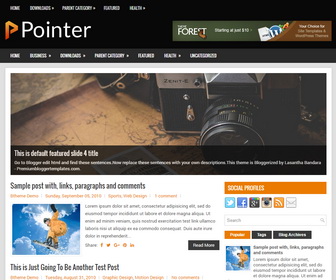

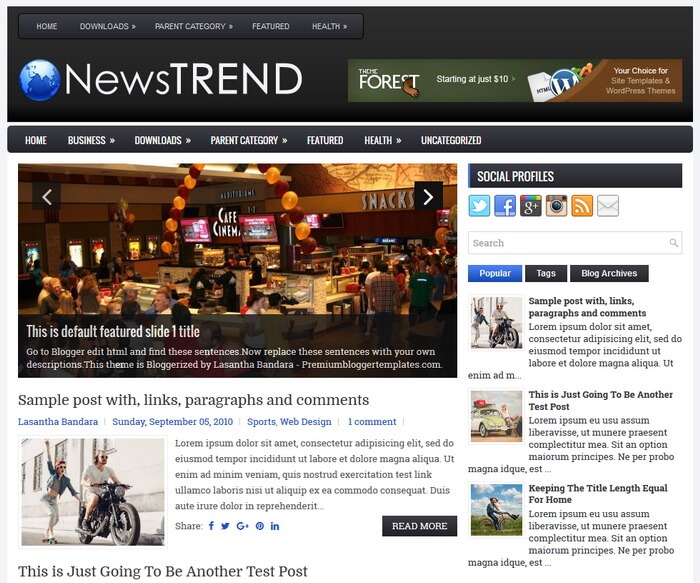

How do I remove the search box above the photo?
I love this template! Exactly what I was looking for. Right now I am tinkering around with it a bit before I use it but I am having difficulties in getting the "recent posts" widget and also a "random posts" widget to display correctly, it just stays blank...ideas?
here is my blog:http://teststrangertimes.blogspot.com/
@ Sunganani,
find this and remove it:
<div class='span-8 last'>
<div id='topsearch'>
<form action='/search' id='searchform' method='get'>
<input id='s' name='q' onblur='if (this.value == '') {this.value = 'Search';}' onfocus='if (this.value == 'Search') {this.value = '';}' type='text' value='Search'/>
<input id='searchsubmit' type='submit' value='Search'/>
</form>
</div>
</div>
@ nubilus,
Recent post code:
<script language="JavaScript" src="http://feed2js.org//feed2js.php?src=http%3A%2F%2Fteststrangertimes-demo.blogspot.com%2Ffeeds%2Fposts%2Fdefault&num=5" type="text/javascript"></script>
Thanks Lasantha!! 🙂 One more question, the followers widget is not showing up either. What can I do to fix it?
Hi Lasantha, after a little digging around I found that a lot of people seem to be having issues with the followers gadget not showing up in newer templates. I posted my url on the google help thread relating to this issue.
The only other questions I have is how do I add the comment counter back (# comments) next to my posts on the main page? And is there a way I remove the "posted by ______ on 0:00" on the main page, I tried to tinker with it in page elements but had no luck.
And I were to remove the image slider do I just remove everything between this or is there more code I have to remove?
Thanks again 🙂
hi lasantha,
great template and two thumbs for the maker :)....but there is a question about how to change author box in every post? please reply and thanks