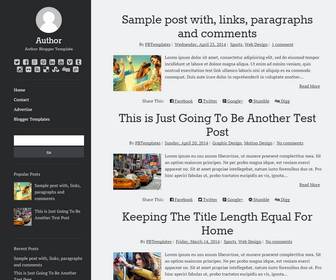
Focused - Full Responsive
Free
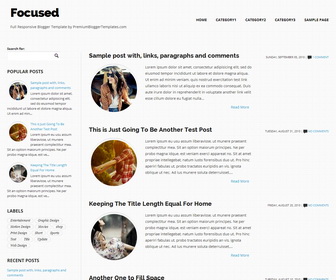
Design preview · Blogger
Enlarge screenshot ↗
(opens preview)
The template details
Features & setup
Template type : Fully Responsive, 1 Sidebar, 2 Column, Adapted from WordPress, Elegant, Fluid width, Fresh, Left Sidebar, Magazine, Minimalist, Premium, Rounded corners, Top Navigation Bar, Web 2.0, White
How To Configure Main Menu
Find this in "Edit HTML":
<!-- Main Menu -->
<nav class='top clearfix'>
   <ul class='menu' id='menu-main-menu-1'>
      <li><a href='#'>Home</a></li>
      <li><a href='#'>Category1</a></li>
      <li><a href='#'>Category2</a></li>
      <li><a href='#'>Category3</a></li>
      <li><a href='#'>Sample Page</a></li>
   </ul>
</nav>
http://www.premiumbloggertemplates.com/2010/10/how-to-configure-navigation-menu.html
How To Configure Small Screen Menu
Find this in "Edit HTML":
<!-- Small Screen Menu -->
<!-- Edit this menu links/anchor texts to display in smaller screens-->
<div class='block' id='small-screens-menu'>
   <a href='#' id='topmenu-button'><strong>:::: MENU ::::</strong></a>
   <nav class='menu-main-menu-container'>
      <ul class='menu' id='menu-main-menu'>
         <li><a href='#'>Home</a></li>
         <li><a href='#'>Category1</a></li>
         <li><a href='#'>Category2</a></li>
         <li><a href='#'>Category3</a></li>
         <li><a href='#'>Sample Page</a></li>
      </ul>
   </nav>
</div>
Ready to install?
Back up your current Blogger template first, then follow this template’s own setup notes.
Installation guide → Ask a question →Find your next design
A template that fits your blog.
Choose your style, layout and features to explore the collection.
Keep exploring
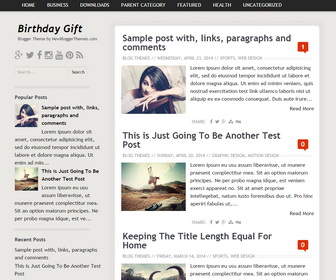
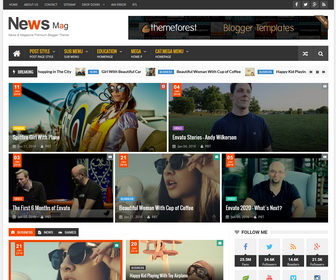
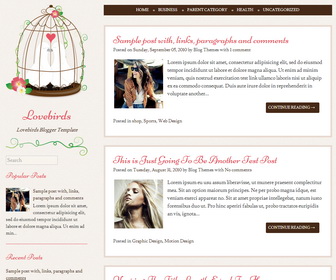
amazing!
but how to change the social stuff icons?
i want to add more. Instagram, we heart it, etc.