Blogger resources
Hovering Peek-A-Boo Navbar to blogger
By pbtemplates May 20, 2009
This tutorial explains how to display your Blogger Navbar when the mouse hovers over it.
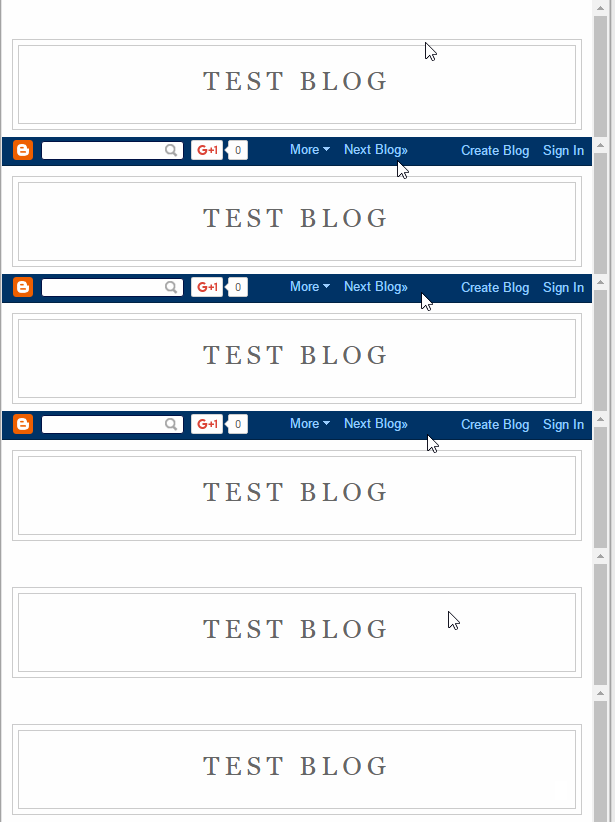
1.Log in to your blogger dashboard
2.Go to --> layout- -> Edit HTML
3.Scroll down to where you see this:
]]></b:skin>
4.Now add below code just before ]]></b:skin> tag .
#navbar-iframe{opacity:0.0;filter:alpha(Opacity=0)}
#navbar-iframe:hover{opacity:1.0;filter:alpha(Opacity=100, FinishedOpacity=100)}
Look at the example below.
#navbar-iframe{opacity:0.0;filter:alpha(Opacity=0)}
#navbar-iframe:hover{opacity:1.0;filter:alpha(Opacity=100, FinishedOpacity=100)}

]]></b:skin>
5.Click on "Save Templates" and now you are done.
THIS GOOD