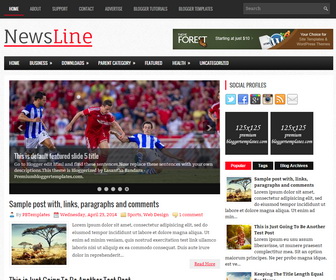
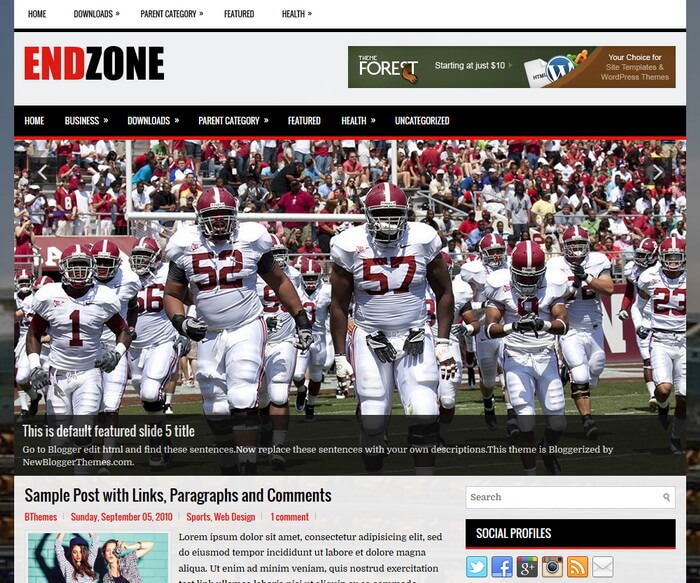
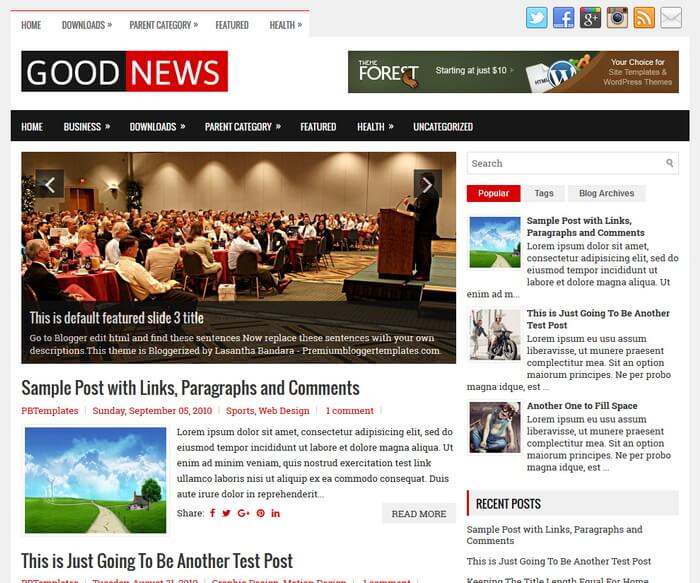
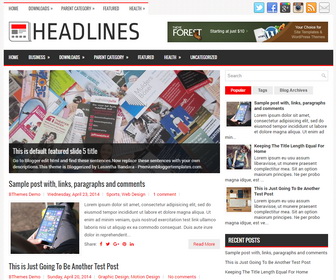
NewsKey
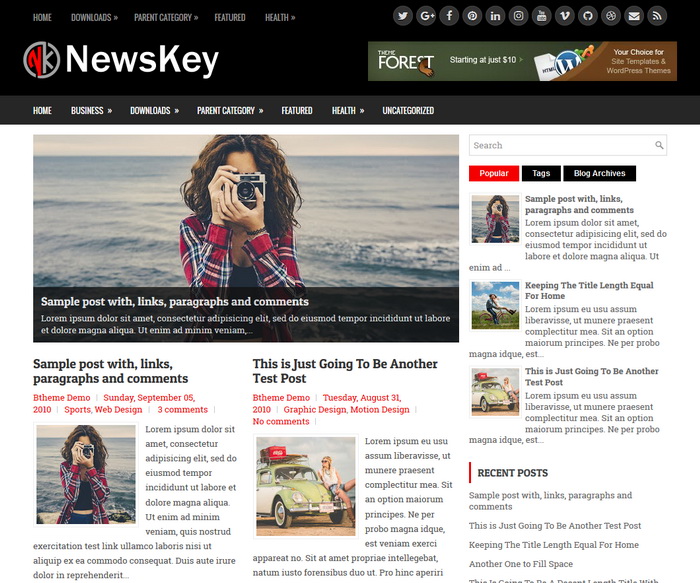
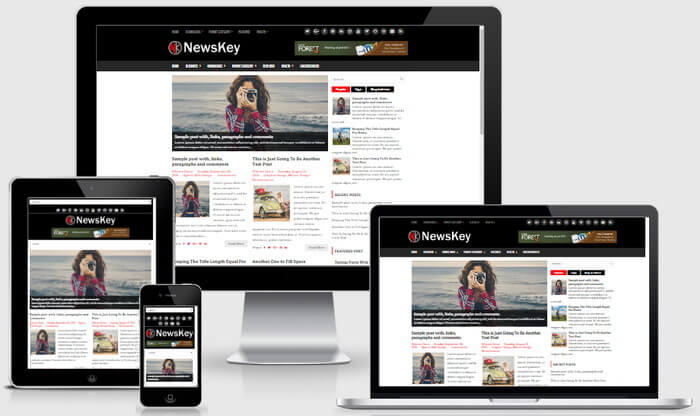
NewsKey is a 100% Responsive, search engine optimized(PRO), template designer compatible(PRO) Blogger Template with a Right Sidebar and 3 Columns Footer Widgets Area. NewsKey Blogger Template has a Automatic Featured Posts Slider(PRO), 2 Muliti-level Menus, Header Widget Area, Related Posts, Breadcrumb, Social and Share Buttons, Google Fonts, Tabbed Widget and More Features.
Template type : Color Options, Font Options, Background Image Support, SEO Optimized, Automatic Posts Slider, 1 Sidebar, 2 Columns, 3 Columns Footer, Adapted from WordPress, Black, Breadcrumb, Featured Section, Responsive, jQuery Included, Header Banner, HTML5, Magazine, Mobile Friendly, Premium, Red, Related Posts with Thumbnails, Right Sidebar, Slider, Share Buttons, Social Buttons, Template Designer Compatible, Tabbed widget, Top Navigation Menu, Web 2.0, White
PRO Version only Features
- Template Designer Compatible (Color Options / Font Options / Background Image Support)
- Search Engine Optimized (Meta Tags / Structured Data / Optimized Titles / ...)
- Automatic Featured Posts Slider (Free version includes manual slider)
- Priority Support
- Lifetime Theme Updates / Bug Fixes
Read instructions given below to configure NewsKey Blogger Template.
How To Configure Social Buttons

Find this in "Edit HTML":
<div id='top-social-profiles'>
<span><a href='https://twitter.com/' rel='nofollow' target='_blank' title='Twitter'><i class='fa fa-twitter'/></a></span>
<span><a href='https://plus.google.com/' rel='nofollow' target='_blank' title='GooglePlus'><i class='fa fa-google-plus'/></a></span>
<span><a href='https://www.facebook.com/' rel='nofollow' target='_blank' title='Facebook'><i class='fa fa-facebook'/></a></span>
...
</div>
Add your own social links replacing default social profile URLs.
How To Configure Featured Posts Slider
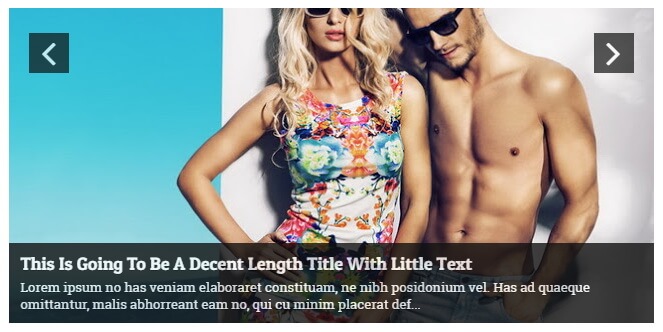
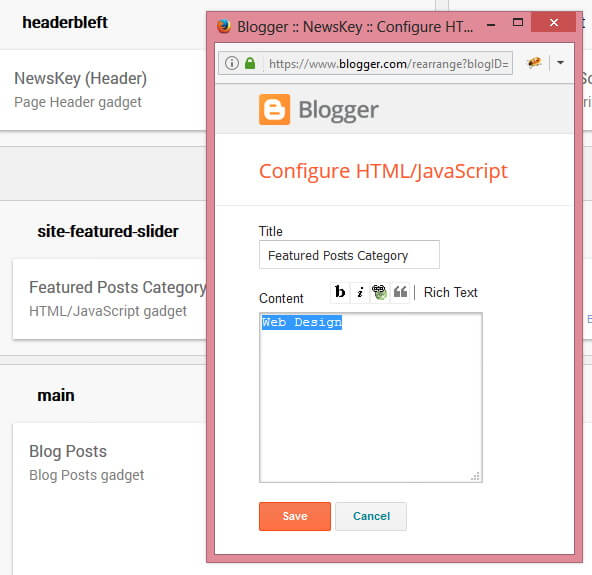
This slider automatically displays posts from a given category. To add your category name go to "Layout" page.
Click on the edit link of "Featured Posts Category" widget.
Add your category name like below and save the widget.
NewsKey Blogger Template Responsive View
How To Configure Navigation Menu
How To Configure Responsive Slider
Ready to install?
Back up your current Blogger template first, then follow this template’s own setup notes.
Installation guide → Ask a question →Find your next design
A template that fits your blog.
Choose your style, layout and features to explore the collection.
Keep exploring