Blogger resources
How To Backup Your Blogger Posts
By pbtemplates February 22, 2010
1.Log in to your Blogger dashboard.

2.Click on "Settings".

3.Click on "Basic" tab.
4.Click on "Export blog".

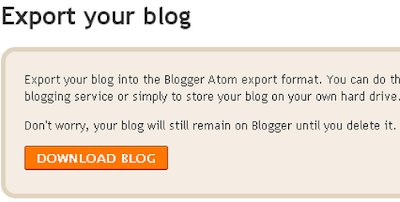
5.Now Click "DOWNLOAD BLOG".
You are Done.
Blogger resources
By pbtemplates February 22, 2010
1.Log in to your Blogger dashboard.
2.Click on "Settings".
3.Click on "Basic" tab.
4.Click on "Export blog".
5.Now Click "DOWNLOAD BLOG".
You are Done.
The conversation
thanks 🙂